
 The AI courtroom for couples
Settle the argument.Plead your case.
Both of you present your side and your evidence. Three AI jurors deliberate, the judge rules, and the winner picks the judgement.
One subscription covers both partners.
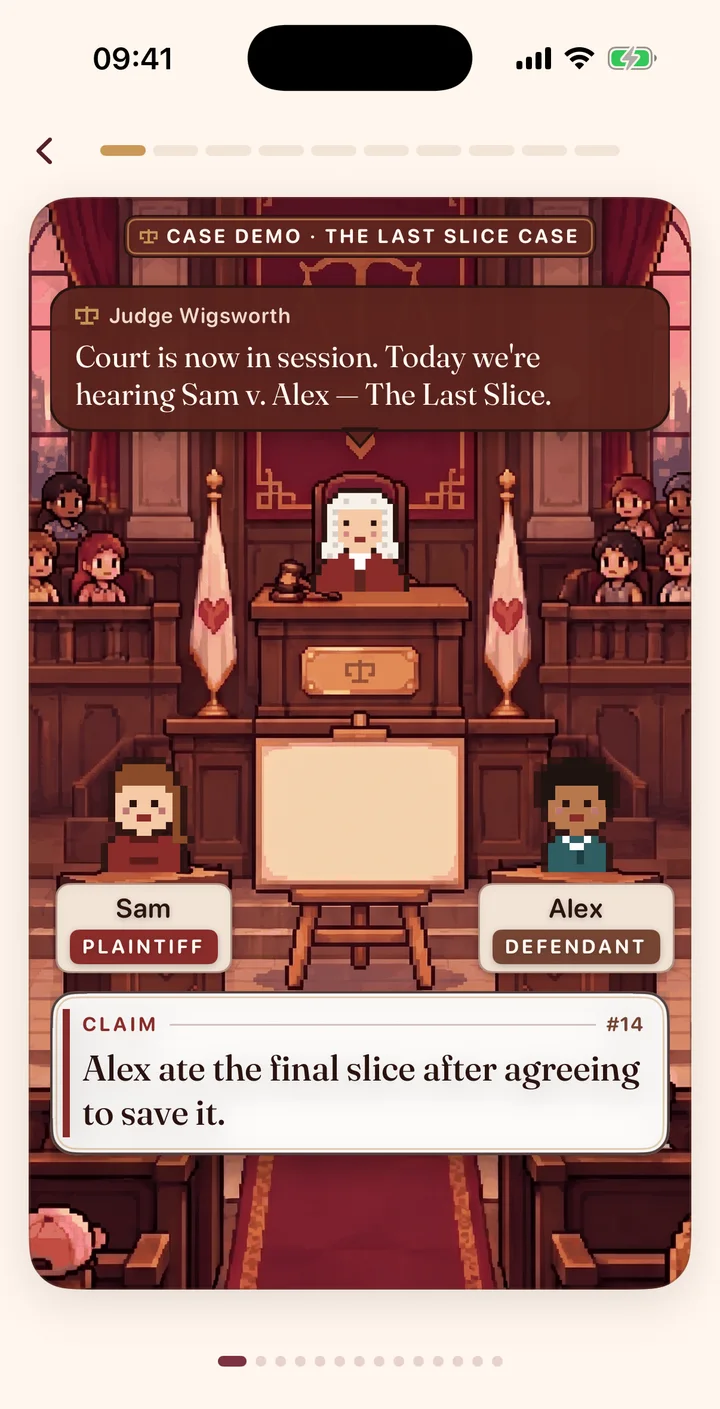
Case #014
The Last Slice
How Plead works
From “you always…”
to a verdict.
Either of you can file. Roles are per case, so whoever files is the plaintiff this time.
Step 1: File your case
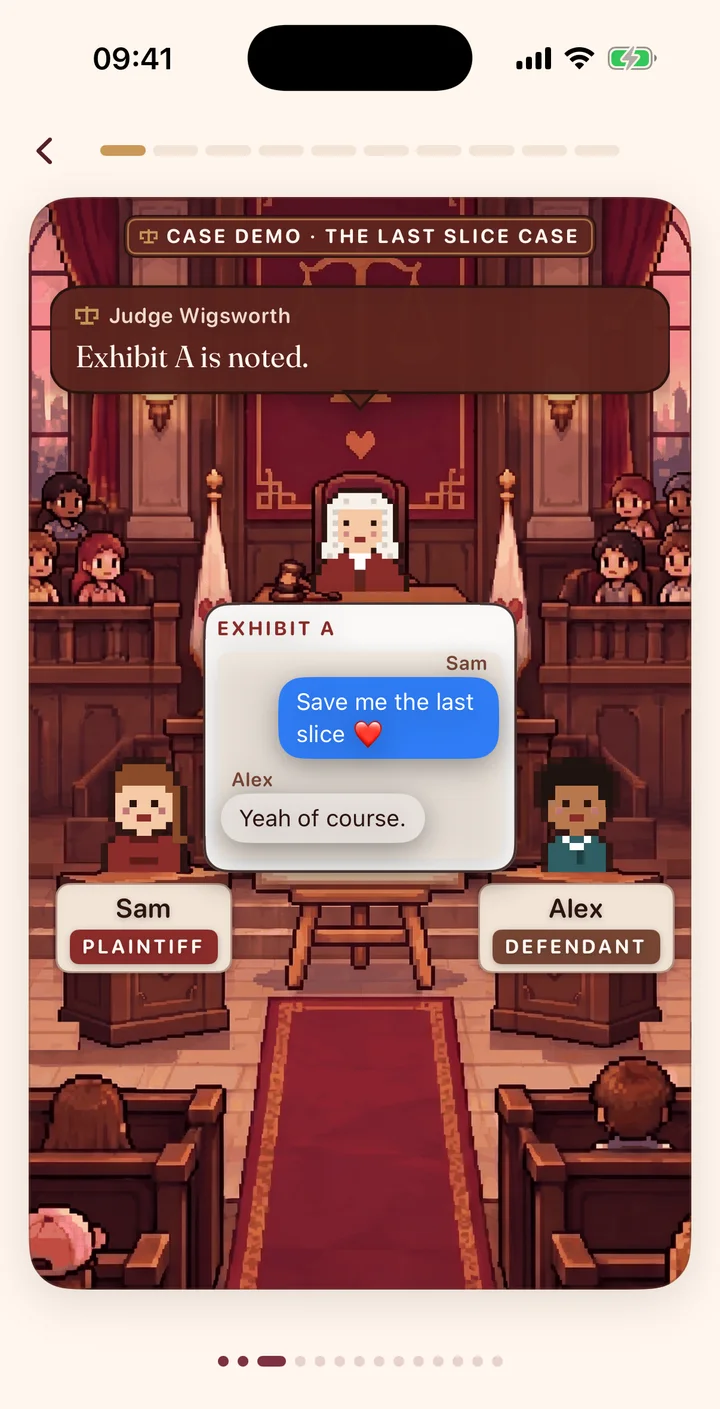
Say what happened and what you want the court to decide. Attach screenshots, photos or their exact words as exhibits.
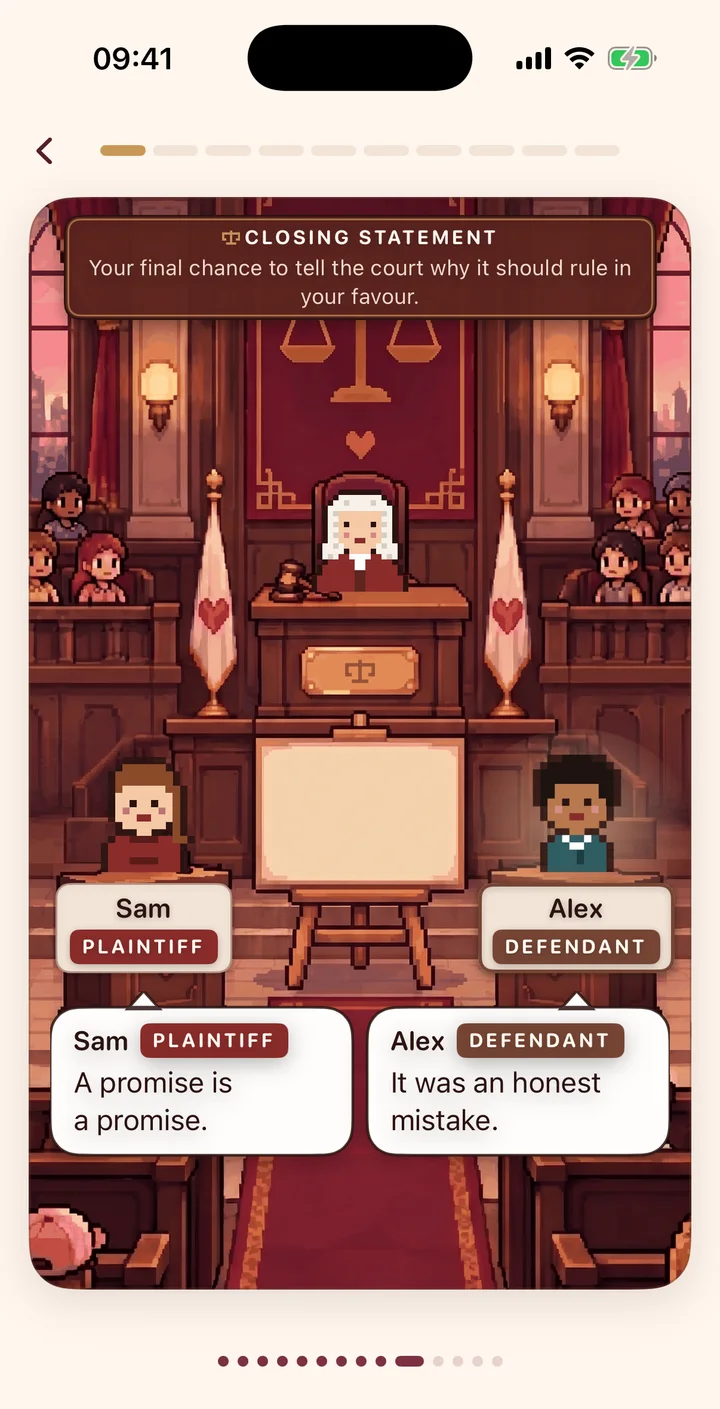
Step 2: Both sides plead
Your partner is summoned and gets the same chance to plead, respond to the evidence and make a closing statement.
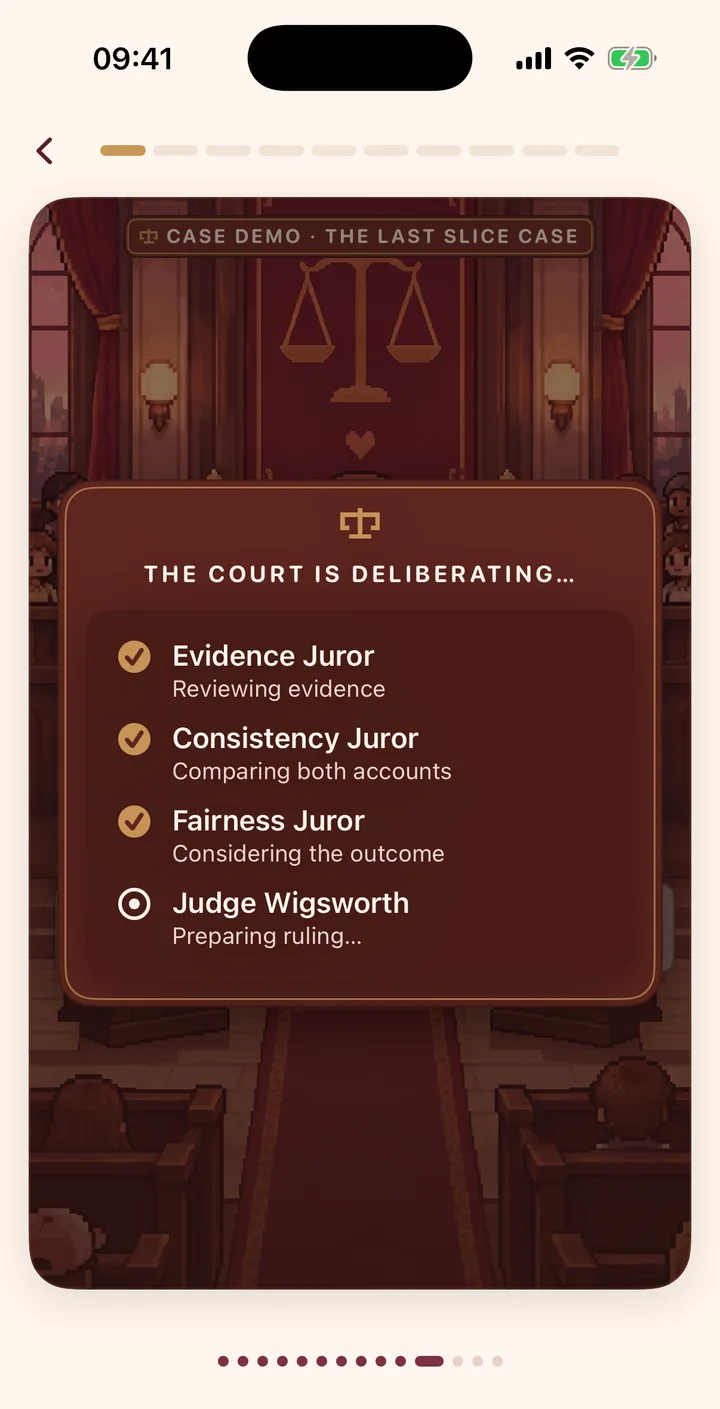
Step 3: The court deliberates
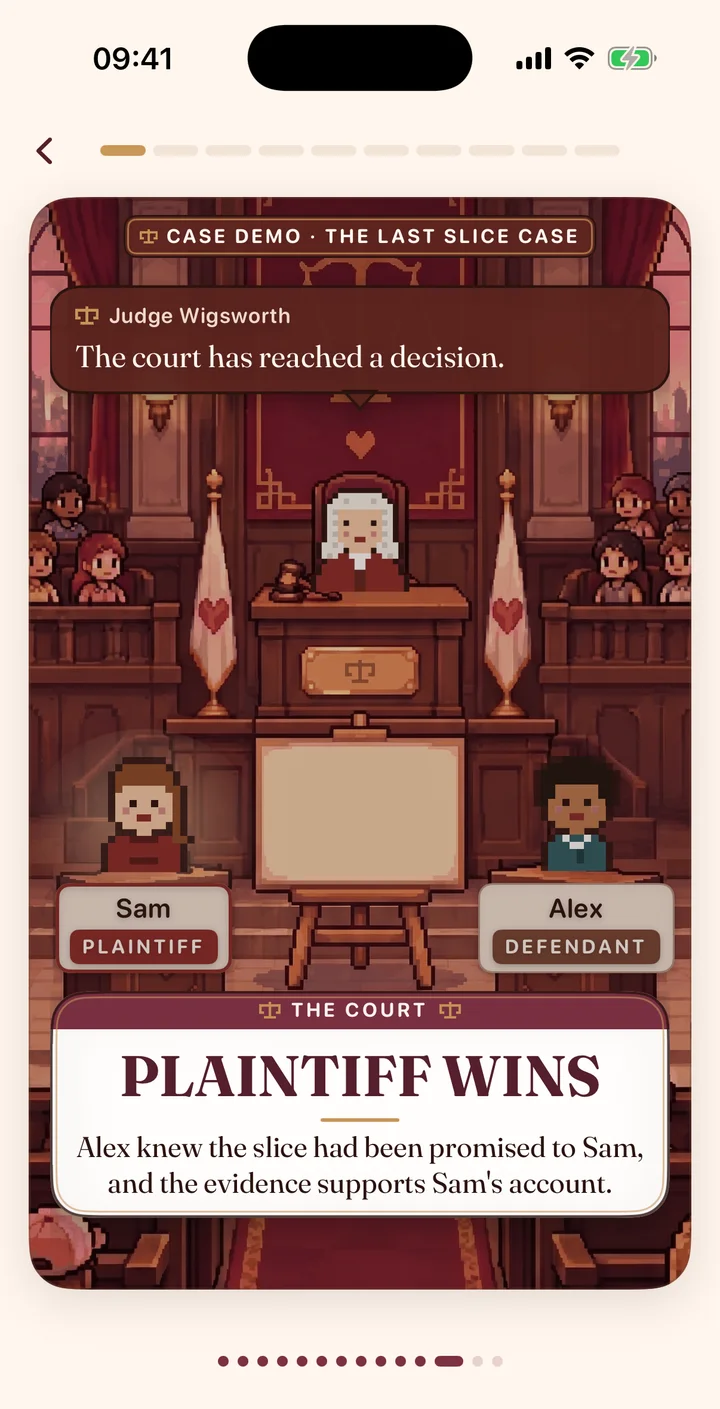
Three AI jurors each review the record on their own, for evidence, consistency and fairness. The judge weighs their findings and rules.
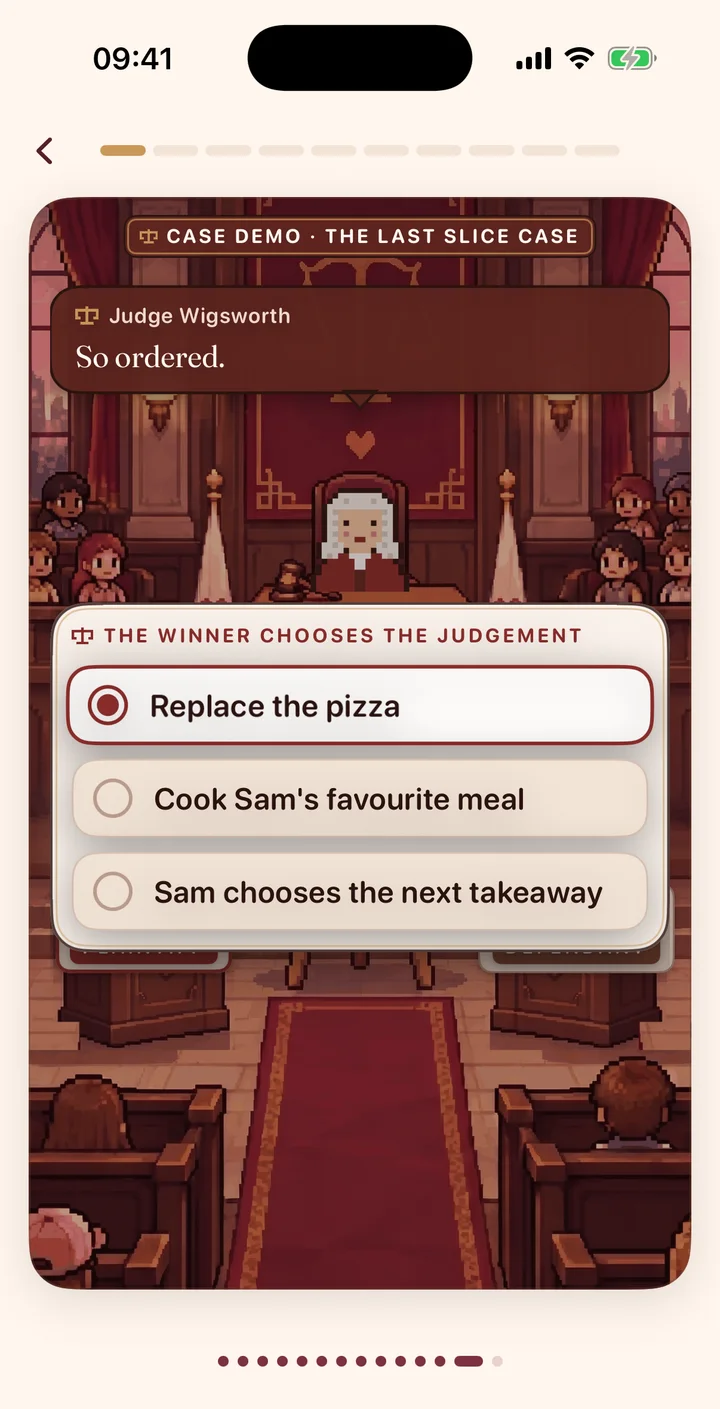
Step 4: Winner picks the judgement
The winner chooses one safe, case-relevant judgement from options the court prepared. Replace the pizza. Cook their favourite meal.
The AI court
Three AI jurors. One judge. No group chat.
Plead runs your disagreement like a real trial, so both sides are heard before anyone gets to say “told you so”.
Juror 01
Evidence
What does the record actually support?
Juror 02
Consistency
Whose story holds together?
Juror 03
Fairness
What outcome is proportionate?
Presiding judge
The ruling
Weighs the jurors’ findings and delivers the verdict.

- Filing
- Summons
- Defence
- Evidence
- Objections
- Cross-examination
- Closing statements
- Deliberation
- Verdict
“Screenshots become exhibits. Excuses become testimony. Petty disagreements become Case #024.”
AI-generated rulings for everyday disagreements. The court can get things wrong; it is for fun and conversation, not legal, medical, financial or professional advice.
Judgements with a payoff
Win the case. Choose the judgement.
When the verdict is in, the winner picks one judgement from safe, case-relevant options the court prepared for that case. Then it sits on the docket until it is served.
Food case
- Replace the meal
- Winner chooses takeaway
- Plan a dinner date
Housework case
- Take over the dishes
- Do the laundry
- Cover a chore for a week
Late-arrival case
- Plan the next date
- Coffees are on the loser
- Better notice next time
TV / movie case
- Winner picks the film
- Loser supplies snacks
- No veto for one episode
The safety rule: judgements stay safe, reasonable, consensual and non-coercive. They are not legally enforceable, and if either of you is uncomfortable, you don’t have to go ahead.
Keep the court close
Your turn, on your Lock Screen.
Summons, your turn, verdicts and judgement status as widgets and Live Activities, without another notification.

Privacy and safety
Playful court. Serious about care.
Read the Privacy Policy for the full details.
Private to the two of you
Cases are private to the linked couple by default. No public feed, no audience voting on your case.
AI processing, stated plainly
Case content, including relevant evidence, may be processed by AI service providers to generate the jurors’ deliberation and the ruling.
Evidence is shared with your partner
Evidence becomes part of the shared case record and may be shown to your partner during the trial, so only submit what you’re comfortable sharing.
Not for serious situations
Plead is designed to stop or decline cases involving abuse, coercion, threats, self-harm or serious safety concerns, and to point to support resources. If someone is in immediate danger, contact local emergency services.
FAQ
Questions for the court
More questions? Visit Support.
Does a real person judge our argument?
Can my partner see my evidence?
Is Plead legal advice?
Do both of us need to pay?
Can I cancel anytime?
What happens after I win?
Can I delete my account?
All rise
Take the argument to court.
Plead both sides. Let the AI court decide. One subscription covers both partners.
